 PVA
Click to Trace
Project template (.pyv) · 15 nodes · needs PVA 1.7.0 or newer
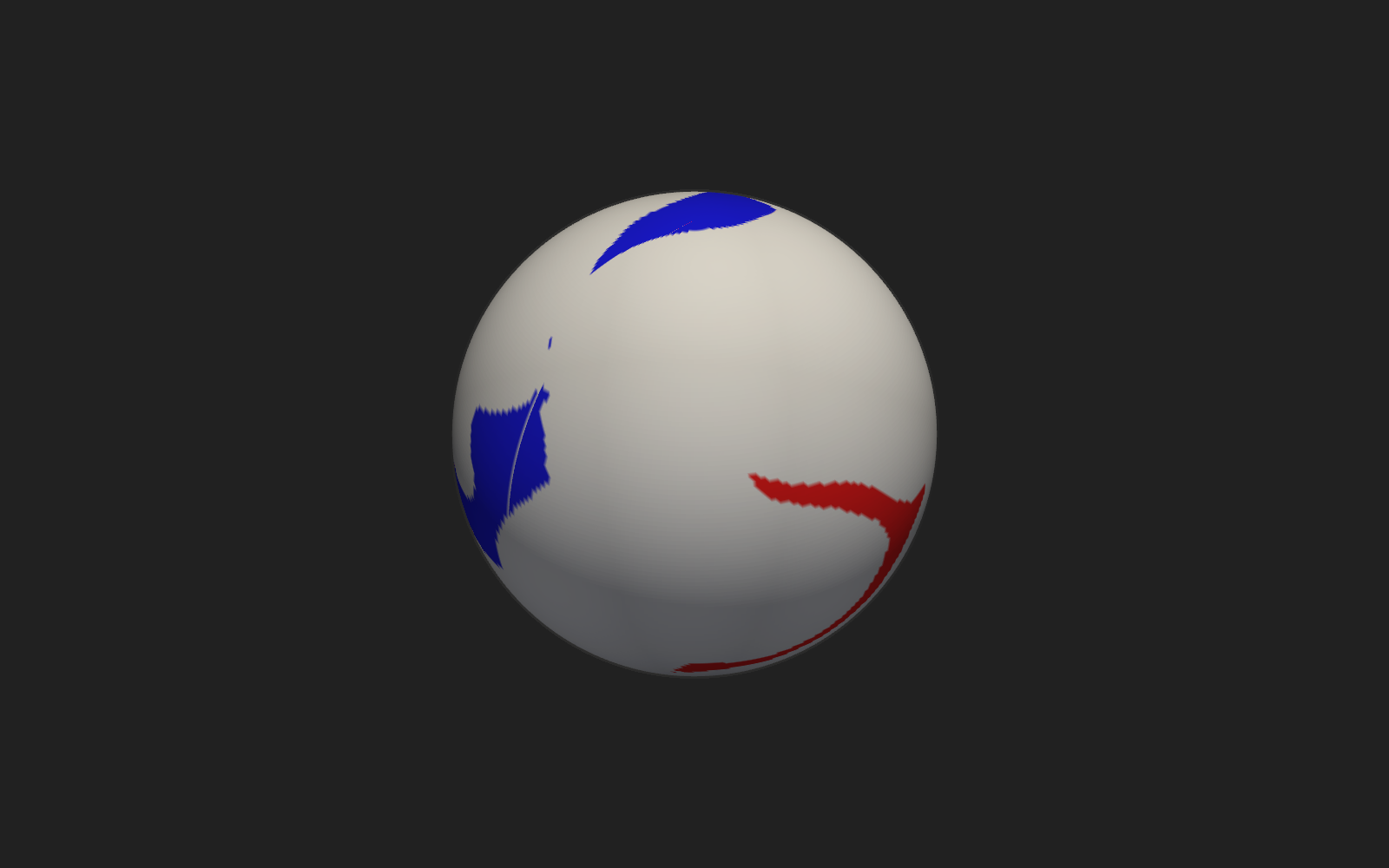
Click to Trace launches a field line from wherever you click on the Sun's surface: a translucent, unlabeled sphere at r = 1.01 R_sun exists only to give the picker something to click -- it is not the data itself.
The Pick Point holder is armed (its active flag is on) and wired to the Plotter's pick_point event; select it or click its dot on the Plotter to arm picking in the 3-D view, then right-click the gray sphere to fire it.
Each pick becomes a single-point lps input to Trace Domain, so every click replaces the previous field line rather than adding to it. A version that accumulates clicks is in the library under File ▸ Browse Templates….
Built from: Groups ▸ Stock ▸ Interactivity ▸ Pick to Trace; Groups ▸ Stock ▸ Maps ▸ Coronal Hole Map.
Graph
Click a node to open its reference page.
Nodes
How to use
This template ships with PVA: choose File ▸ New from Template ▸ Stock to start a session from it. To open the download instead, choose File ▸ Open Session… or double-click Click to Trace.pyv. File ▸ Browse Templates… opens this site. See Templates.