 PVA
Faux Volume Rendering
Project template (.pyv) · 9 nodes · needs PVA 1.8.0 or newer
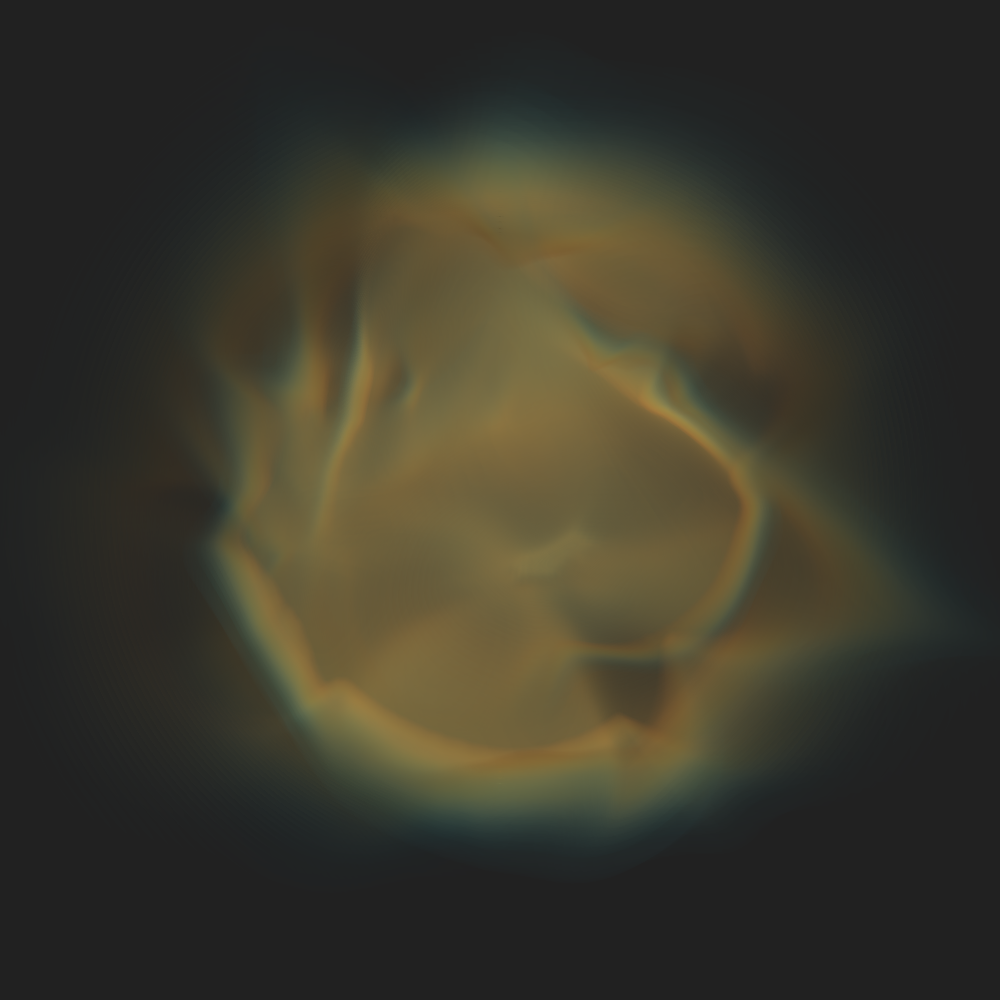
A faux volume rendering of the coronal density: every radial shell between 1 and 2.5 R_sun is drawn as one translucent slices actor, colored and faded by log10 of the density times r squared (Extract, Square, Multiply, Log10). The @faux-volume opacity function is near zero except for a narrow lobe at streamer-level values, so streamers accumulate along the line of sight and holes stay dark. Depth peeling is off for speed; insert a Downsample (stride_r) after Read to thin the shells.
Built from: a pinned MAS File reader, Read, Extract, Square, Multiply, Log10 and Plot.
Graph
Click a node to open its reference page.
Nodes
How to use
This template is in the library on this site but does not ship with PVA. Download Faux Volume Rendering.pyv and choose File ▸ Open Session…, or put it in the templates folder of the PVA home to list it under File ▸ New from Template ▸ Saved. File ▸ Browse Templates… opens this site. See Templates.