 PVA
Click to Volume
Project template (.pyv) · 12 nodes · needs PVA 1.0.0 or newer
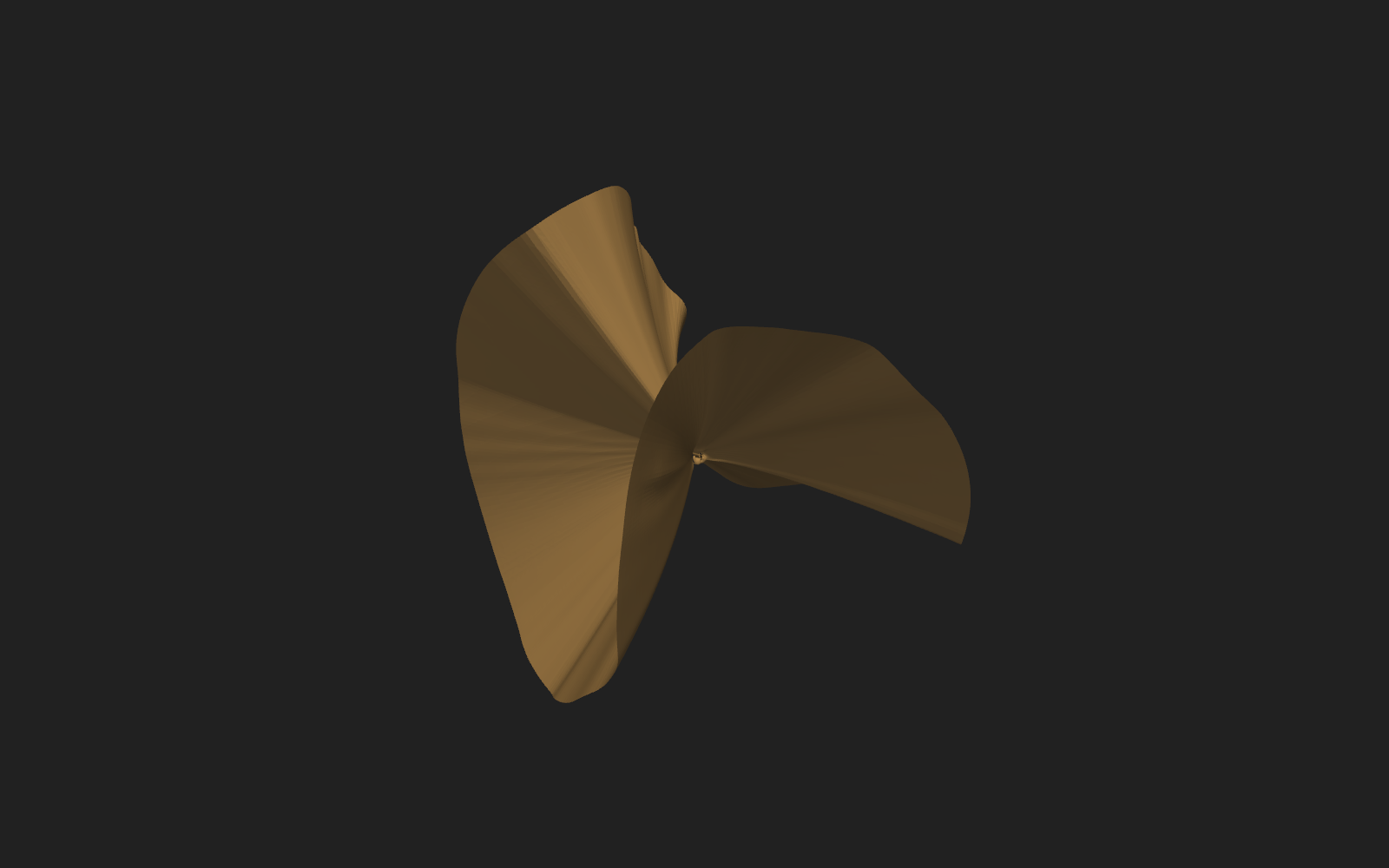
Click to Volume volume-renders a cube of log10 temperature around any point you click on the current sheet (the Br = 0 isosurface, same recipe as the Current Sheet template).
The Pick Point holder is armed (its active flag is on) and wired to the Plotter's pick_point event; select it or click its dot on the Plotter to arm picking in the 3-D view, then right-click the sheet to fire it. Each click moves the cube rather than adding another one: the pick feeds Volume Patch's pos port, which centers a 1 R_sun cube (64 samples per axis) on the picked point and interpolates the temperature grid onto it. Edit Volume Patch's size and resolution to change the cube, and the volume Plot's opacity (a transfer-function name such as sigmoid, or a number), colormap, blending and shade rows to change its look.
The sheet comes from br002 and the cube from t002, so the two quantities are independent -- swap the temperature MAS File node's file for rho002 to sample density instead. Volume rendering needs the XYZ Plotter; an RTP Plotter refuses the volume Plot.
Built from: Groups ▸ Stock ▸ Surfaces ▸ Current Sheet; Groups ▸ Stock ▸ Interactivity ▸ Pick to Volume.
Graph
Click a node to open its reference page.
Nodes
How to use
This template is in the library on this site but does not ship with PVA. Download Click to Volume.pyv and choose File ▸ Open Session…, or put it in the templates folder of the PVA home to list it under File ▸ New from Template ▸ Saved. File ▸ Browse Templates… opens this site. See Templates.