add_mesh#
- Plot3d.add_mesh(mesh, *args, frame=None, **kwargs)[source]#
Add a mesh to the scene, converting coordinates from
frameif needed.Extends
pyvista.Plotter.add_mesh()with an optionalframeargument. File-path strings are read withpyvista.read()before processing. Composite meshes are routed throughadd_composite(); single meshes have their points converted to the plotter Cartesian frame viaapply_mesh_transform()whenframeis set.- Parameters:
- meshPlottableType |
str|Path The mesh to add. Accepts any type supported by
pyvista.Plotter.add_mesh(), plus file-path strings orpathlib.Pathobjects that are read automatically.- *args
Additional positional arguments forwarded to
pyvista.Plotter.add_mesh().- frame
str|None, optional Coordinate frame of
mesh. Any alias accepted byfetch_canonical_frame(). IfNone, the frame stored inmesh.user_dict['MESH_FRAME']is used (if present). Default isNone.- **kwargs
Additional keyword arguments forwarded to
pyvista.Plotter.add_mesh().
- meshPlottableType |
- Returns:
- out
pyvista.Actor The actor returned by the underlying PyVista plotter call.
- out
Examples
Add a
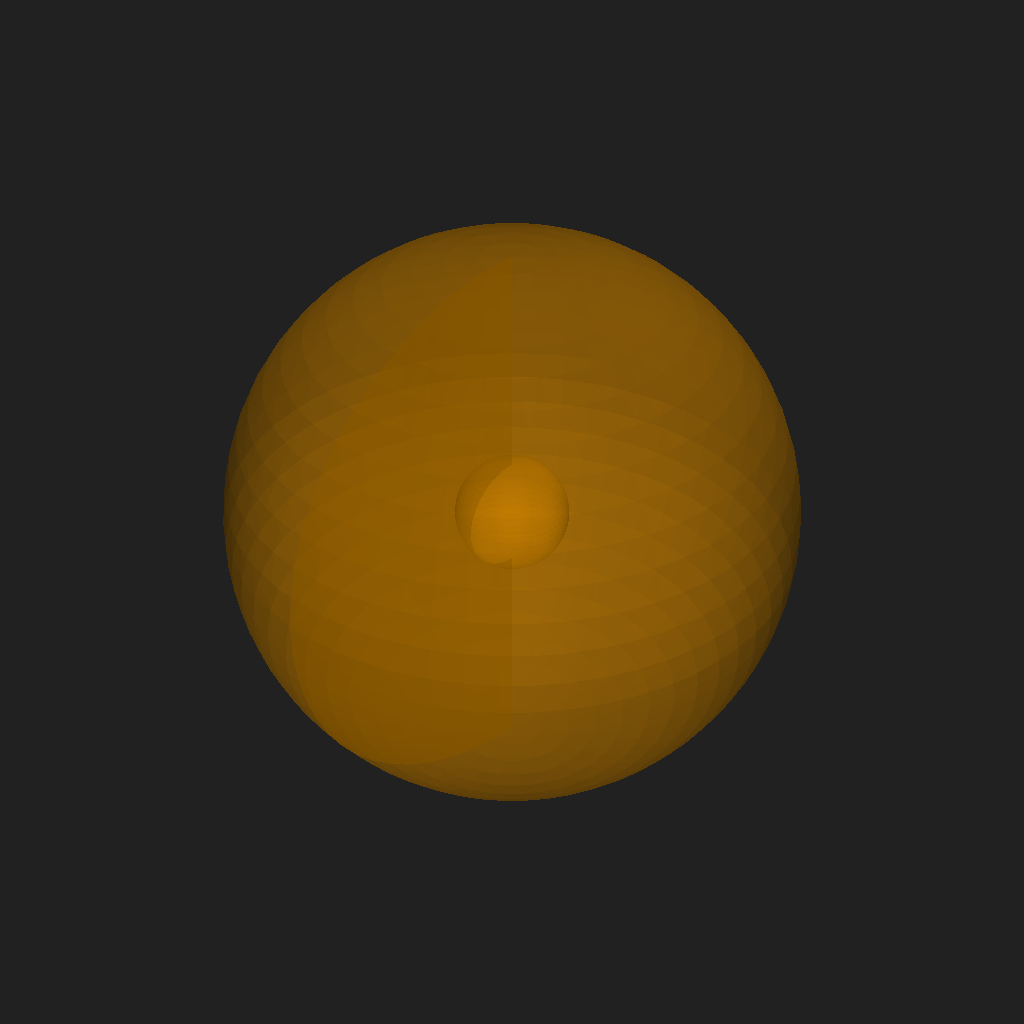
SphericalMeshdirectly — its frame is stored inuser_dictand picked up automatically:>>> import pyvisual as pv >>> from pyvisual.core.mesh3d import SphericalMesh >>> import numpy as np >>> r = np.linspace(1, 5, 20) >>> t = np.linspace(0, np.pi, 30) >>> p = np.linspace(0, 2 * np.pi, 60) >>> mesh = SphericalMesh(r, t, p) >>> pl = pv.Plot3d() >>> pl.add_mesh(mesh, color='orange', opacity=0.5) >>> pl.show()