
Note
Go to the end to download the full example code.
Camera Orbit Animation#
This example demonstrates how to animate the observer position by writing
successive frames to a GIF using
observer_position.
Because the Plot3d instance is kept alive
between write_frame() calls (no show() is invoked),
the scene is rendered at each new camera position and captured as a frame in
the output GIF.
import numpy as np
from pyvisual import Plot3d
Build the Scene#
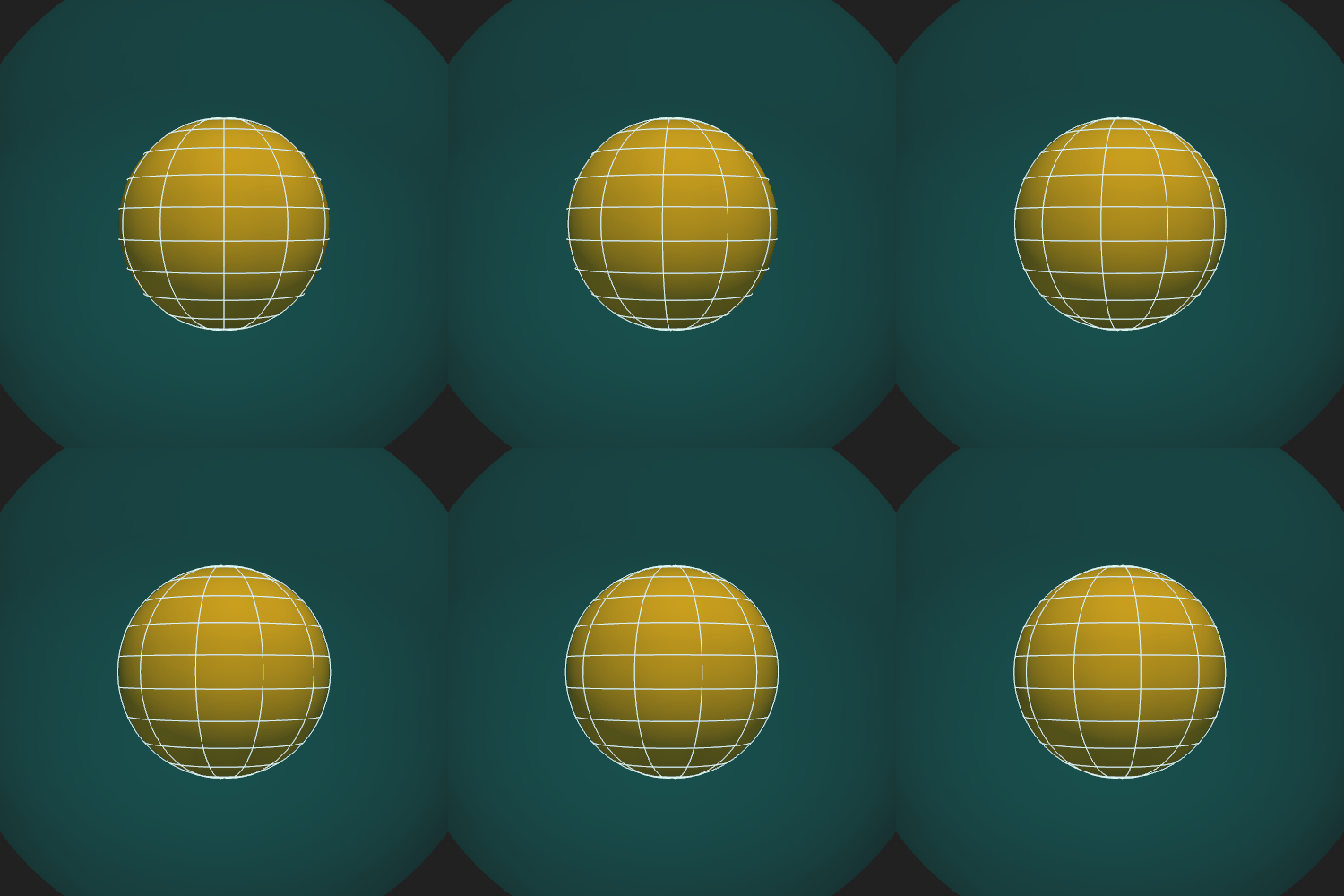
A static scene is created once and reused for all frames. The observer sweeps through 360° of longitude at a fixed radial distance of \(r = 8\,R_\odot\) on the equatorial plane (\(\theta = \pi/2\)), producing a smooth orbit around the Sun.
plotter = Plot3d()
plotter.add_sun()
plotter.add_longlat_lines()
plotter.add_shell(outer_radius=2.5, opacity=0.15, color='cyan')

plotter.open_gif("observer_orbit.gif")
for phi in np.linspace(0, 2 * np.pi, 36, endpoint=False):
    plotter.observer_position = 8, np.pi / 2, phi
    plotter.write_frame()
plotter.close()
Total running time of the script: (0 minutes 2.716 seconds)